
Internal Tool Studio helps technology leaders, operations directors, and digital transformation teams address this operating issue: off-the-shelf software failing to fit specific company workflow requirements. JXING Tech begins with business applications and APIs, agrees the initial measurement method, and documents where exceptions are reviewed. The proposed pilot stays within approved systems and can be compared with the current baseline before expansion.
Why internal tool studio matters
Off-the-shelf software failing to fit specific company workflow requirements. Medium-sized teams often see the problem in side spreadsheets and repeated inbox checks. Larger organisations face the same friction across locations and approval chains. A useful starting point is to map delays, owners, and decisions that must remain human.
How the workflow is designed
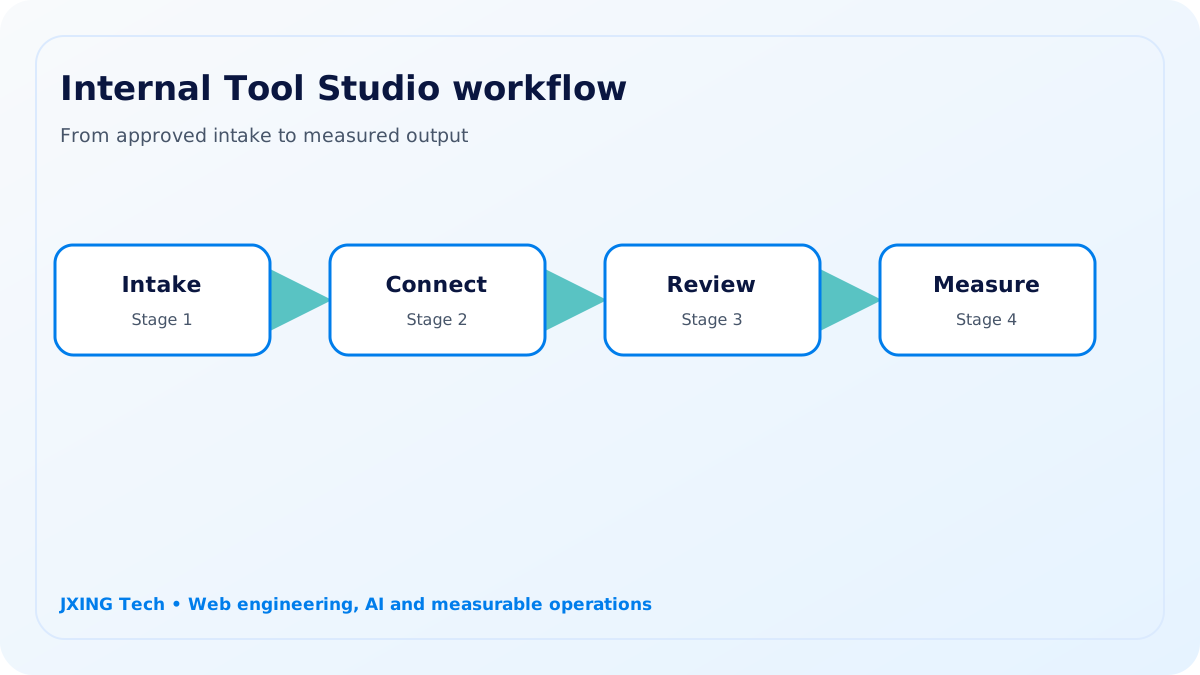
Scopes, specs, builds, and maintains custom internal tools (commission calculators, fulfillment boards, hiring portals). JXING Tech connects business applications, APIs, data stores, and monitoring and support tools only where access is approved. Rules route normal work, while drafts, uncertain cases, and consequential actions go to named reviewers.
Impact at different business scales
A medium-sized business can replace fragile handoffs with a maintainable system that fits its actual process and budget. A focused internal tool studio pilot can test workflow completion without replacing the current operating system.
A larger business can integrate the workflow with identity, security, data, and governance standards across multiple teams. Wider use adds identity controls, retention rules, monitoring, and accountable technology ownership.
Industries and operating context
Potential contexts include manufacturing, logistics, financial services, and shared service centres. Each sector needs its own approval thresholds, record sources, exception paths, and service expectations; JXING Tech does not force identical rules across them.
Implementation and governance
Discovery confirms data sources, roles, integrations, exceptions, and a baseline for integration exceptions. Client-owned accounts and infrastructure are preferred, while platform usage costs stay separate.
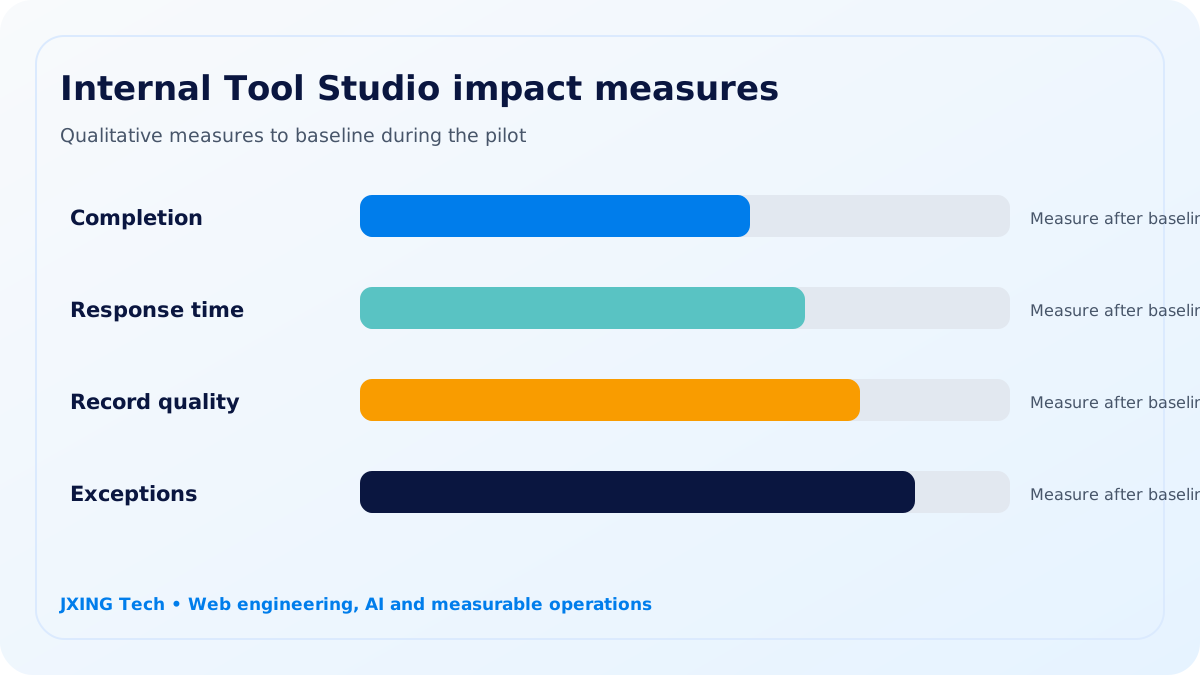
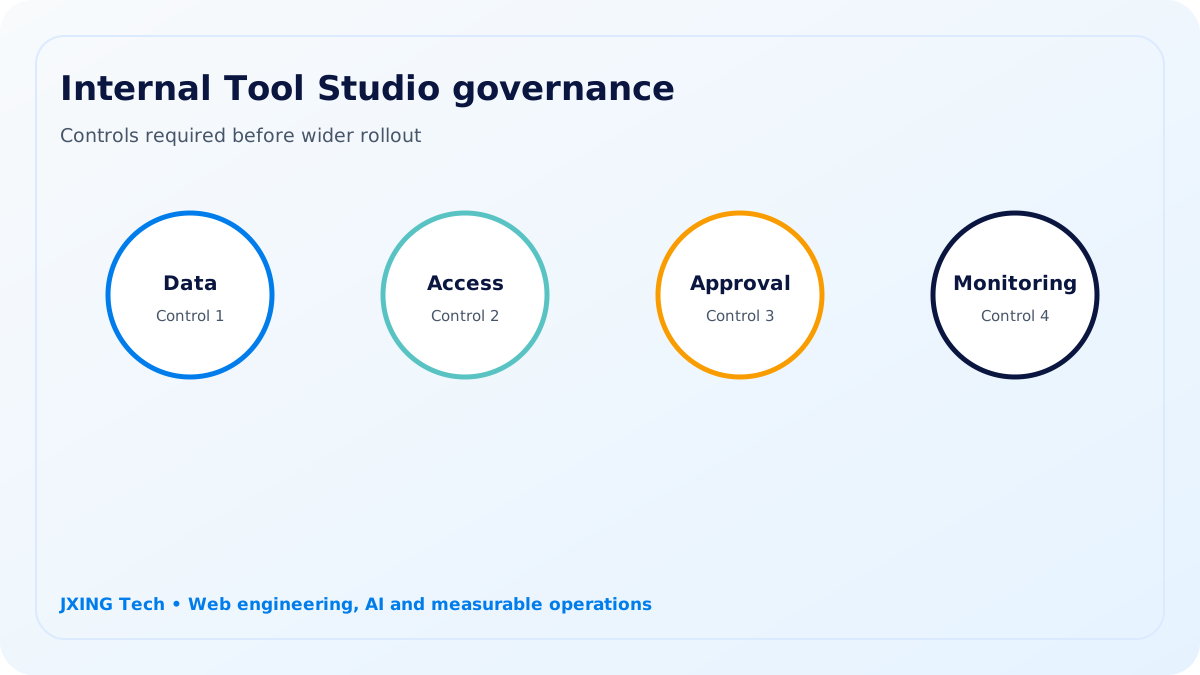
Internal Tool Studio uses approved data, role-based access, documented review points, and human approval for sensitive or consequential actions. The pilot records workflow completion, integration exceptions, support requests, and system adoption. Leaders use that evidence to refine, expand, or stop the workflow.
A controlled delivery path
Step 1
Map
Document internal tool studio owners, delays, approved sources, and the current baseline for workflow completion.
Step 2
Authorise
Confirm access to business applications and APIs, including fields that must remain restricted.
Step 3
Pilot
Route uncertain internal tool studio cases to named reviewers before operational action.
Step 4
Decide
Compare workflow completion and integration exceptions before extending, revising, or stopping the pilot.
Target industries
Each internal tool studio use case is adapted to sector records, approval thresholds, exception paths, and service expectations.
manufacturing
Use case for manufacturing: manage handoffs through business applications with internal tool studio.
logistics
Use case for logistics: manage handoffs through APIs with internal tool studio.
financial services
Use case for financial services: manage handoffs through data stores with internal tool studio.
shared service centres
Use case for shared service centres: manage handoffs through monitoring and support tools with internal tool studio.
What the pilot includes
- Internal Tool Studio current-state map for technology leaders, operations directors, and digital transformation teams
- Access and data assessment for business applications and APIs
- Controlled pilot measuring workflow completion and integration exceptions
- Data stores review interface for named owners
- Internal Tool Studio QA evidence, fallback plan, and handover recommendation
Governance boundary
Internal Tool Studio uses approved data, role-based access, documented review points, and human approval for sensitive or consequential actions.
Pilot measures
- workflow completion
- integration exceptions
- support requests
- system adoption