
Technology leaders, operations directors, and digital transformation teams can use client portal builder to examine this recurring problem: account managers spending hours answering repetitive client status check-ins. The first working session confirms access to business applications and APIs, how pilot evidence will be recorded, and the exception path for uncertain results. Any implementation remains measurable, reviewable, and bounded before wider operational use.
Why teams consider client portal builder
Account managers spending hours answering repetitive client status check-ins. In a medium-sized operation, the result is often rework and slow preparation. In a larger business, the issue can cross systems, departments, and locations. The case for change depends on evidence from the current workflow.
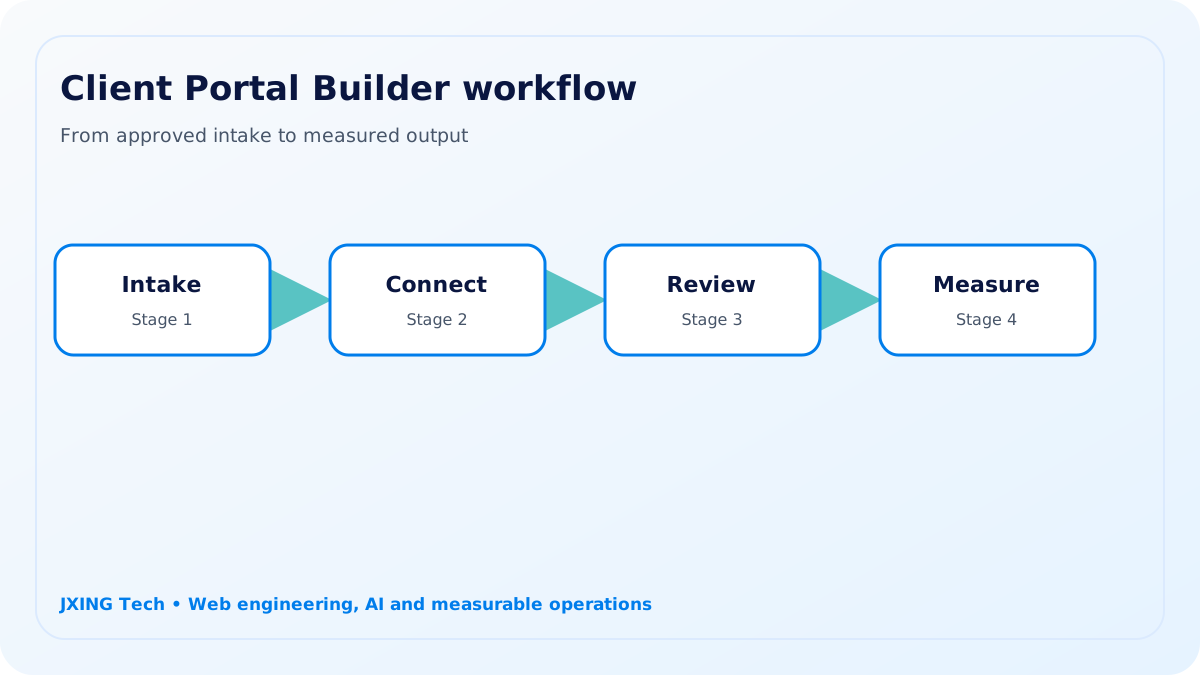
A practical automation approach
The solution constructs client-facing dashboards displaying project status, deliverables, roadblocks, meeting summaries, and upcoming action items. JXING Tech assesses links between business applications, APIs, data stores, and monitoring and support tools. Routine cases follow agreed rules, while exceptions and high-impact actions remain with accountable people.
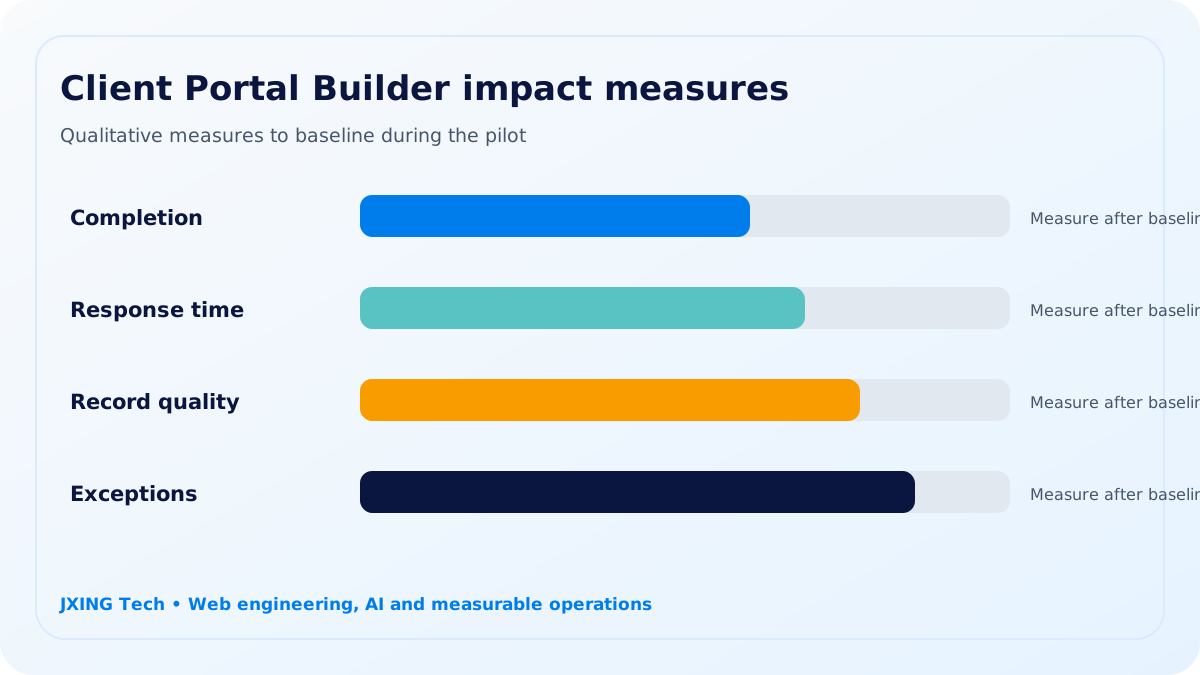
Impact for growing and enterprise teams
A medium-sized business can replace fragile handoffs with a maintainable system that fits its actual process and budget. A medium-sized team can test client portal builder against workflow completion without committing to a company-wide replacement.
A larger business can integrate the workflow with identity, security, data, and governance standards across multiple teams. Enterprise adoption adds identity, retention, support, monitoring, and change-management requirements across the operating model.
Industry fit
Relevant sectors include agencies, managed services, consulting firms, and enterprise project teams. Their workflows may share a goal but differ in evidence, privacy, response times, and approval authority. Those differences form part of the implementation scope.
Discovery, pilot and decision point
Discovery records the existing process, data access, user roles, fallback route, and a baseline for integration exceptions. A controlled pilot then connects only the systems needed to test the use case.
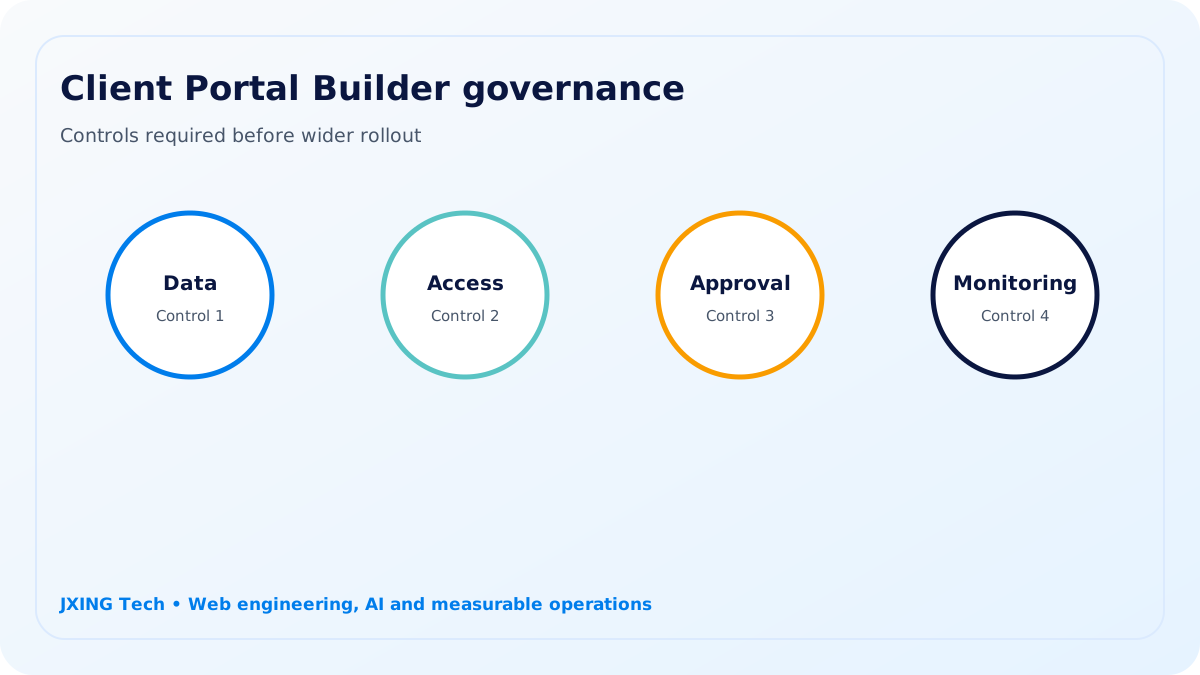
Client Portal Builder uses approved data, role-based access, documented review points, and human approval for sensitive or consequential actions. JXING Tech reports workflow completion, integration exceptions, support requests, and system adoption so leaders can make a grounded go, revise, or stop decision.
A controlled delivery path
Step 1
Frame
Agree the client portal builder question, accountable owner, source records, and reporting method.
Step 2
Link
Prepare a maintainable connection between business applications and APIs with a fallback path.
Step 3
Control
Apply approval gates to sensitive data, external communication, and operational exceptions.
Step 4
Learn
Review workflow completion and integration exceptions before making a wider rollout decision.
Target industries
The selected industry determines privacy, evidence, timing, and approval requirements for the client portal builder pilot.
agencies
Use case for agencies: manage handoffs through monitoring and support tools with client portal builder.
managed services
Use case for managed services: manage handoffs through business applications with client portal builder.
consulting firms
Use case for consulting firms: manage handoffs through APIs with client portal builder.
enterprise project teams
Use case for enterprise project teams: manage handoffs through data stores with client portal builder.
What the pilot includes
- Client Portal Builder current-state map for technology leaders, operations directors, and digital transformation teams
- Access and data assessment for business applications and APIs
- Controlled pilot measuring workflow completion and integration exceptions
- Data stores review interface for named owners
- Client Portal Builder QA evidence, fallback plan, and handover recommendation
Governance boundary
Client Portal Builder uses approved data, role-based access, documented review points, and human approval for sensitive or consequential actions.
Pilot measures
- workflow completion
- integration exceptions
- support requests
- system adoption